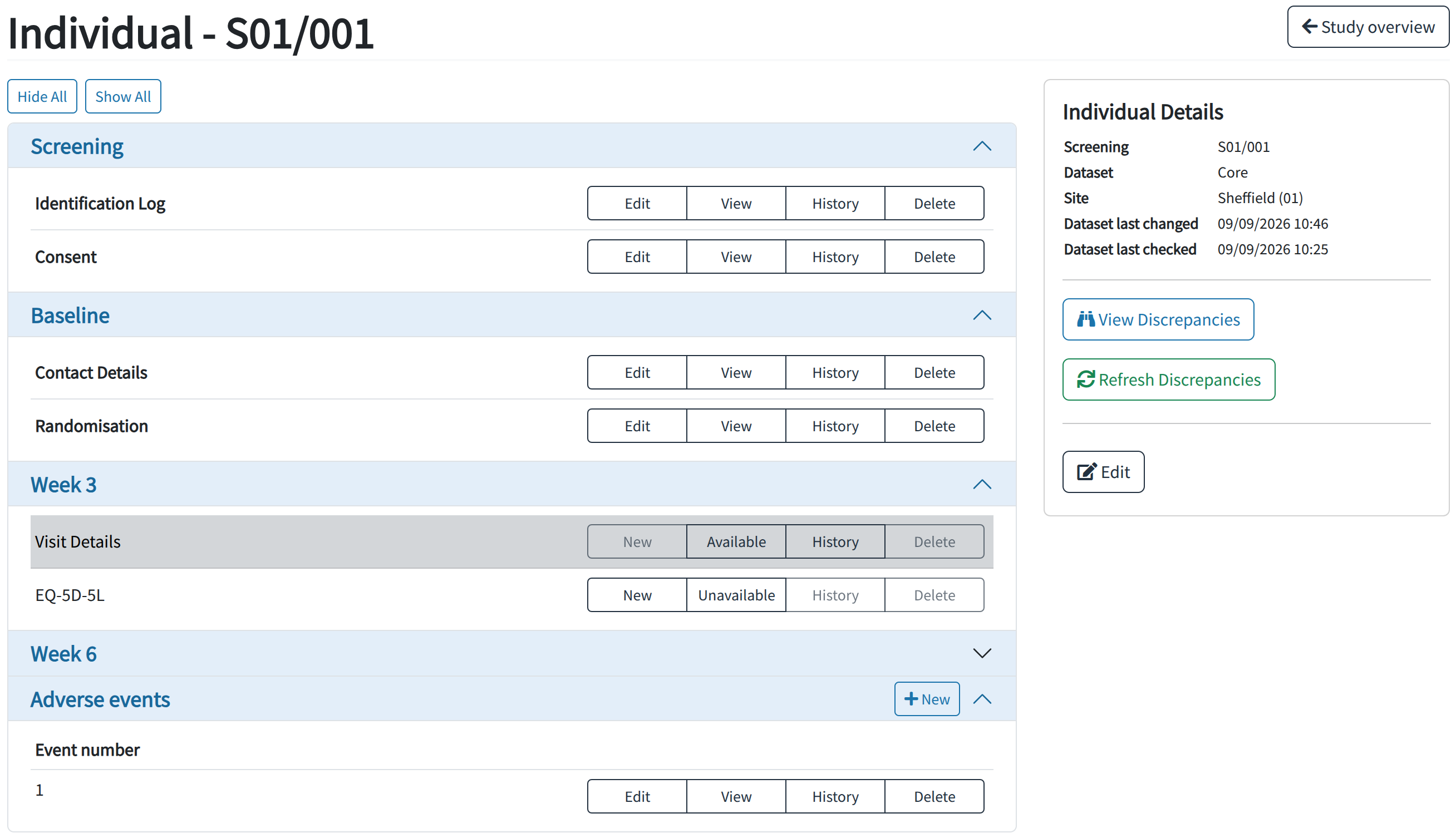
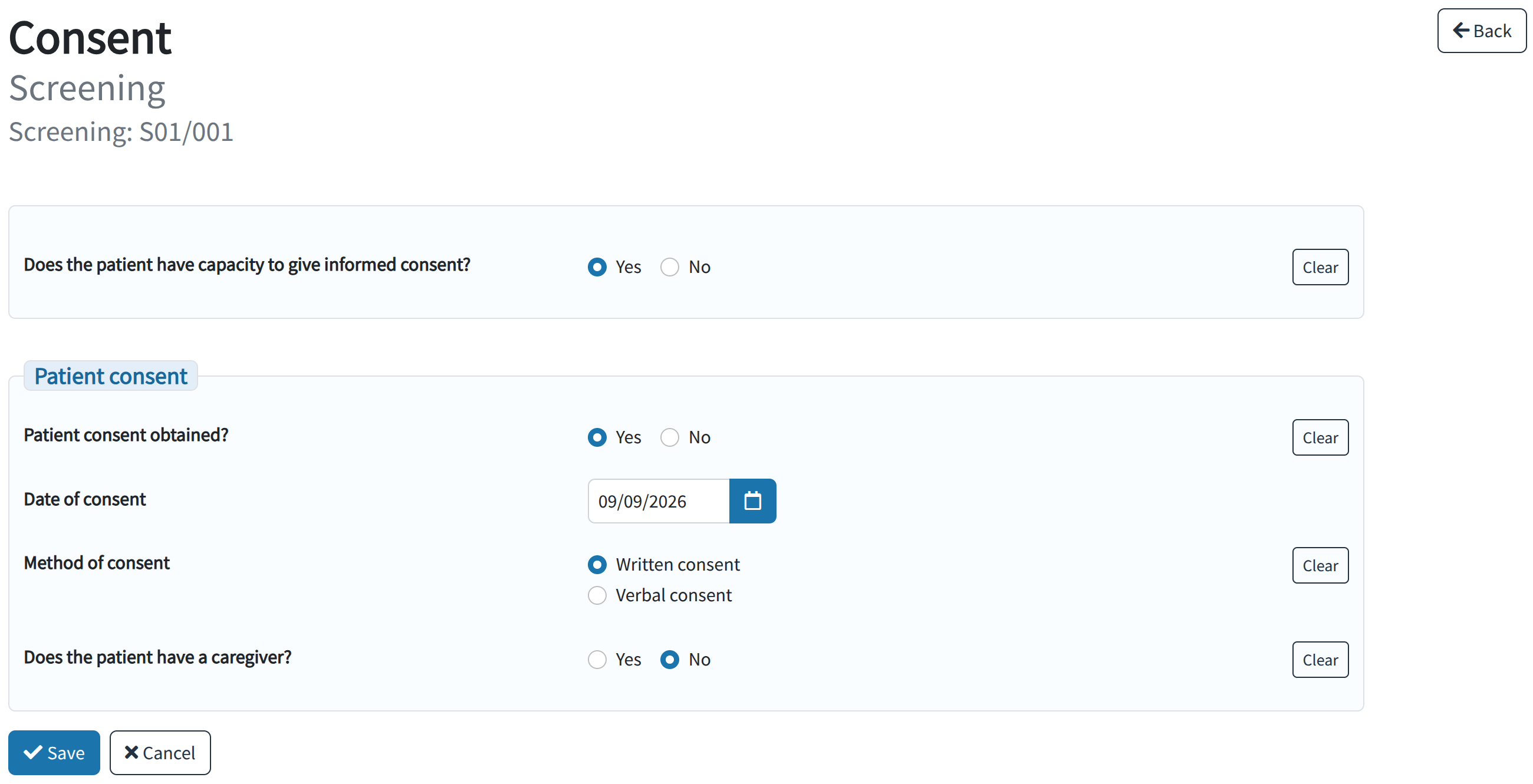
Data is entered into the system through custom-built eCRFs, created using a flexible framework of inputs and validations so that they are a close representation of equivalent paper CRFs used by the study, or so that they represent a defined workflow for studies that directly enter data into the system.

Our Clinical Trials Databases are fully web-based and centrally-hosted, meaning that there is no need for installation of software at participating study sites; all that is needed is access to the internet through a modern web-browser. Data entered at a remote site is immediately available to a central study team, and is available for use in data management and study outcome reports, as well as for data queries and dataset exports.

Data Capture

  • eCRFs are related to a single data subject, and are associated with a scheduled study time point (baseline, 3 week follow-up, etc.) or an unscheduled study event (serious adverse event, non-study medication change, etc.)
  • Data subjects can be related to a study site, assigned up to two identifying numbers (commonly a screening number and a randomisation number), and grouped into a study arm (control, intervention, etc.)
  • eCRFs can be explicitly marked as being unavailable for entry (for if they were missed / lost / not done etc.)
  • Bulk data-entry screens can be created as needed, to represent forms that capture data for more than one data subject (screening logs, group therapy attendance logs, etc.)
  • Standard data import from CSVs is available, as well as custom-built importers to handle uploads of device output data files etc.

Quality Assurance

  • eCRFs provide a range of standard input types (text, single-select, multi-select, etc.) and standard data type and data-range validations
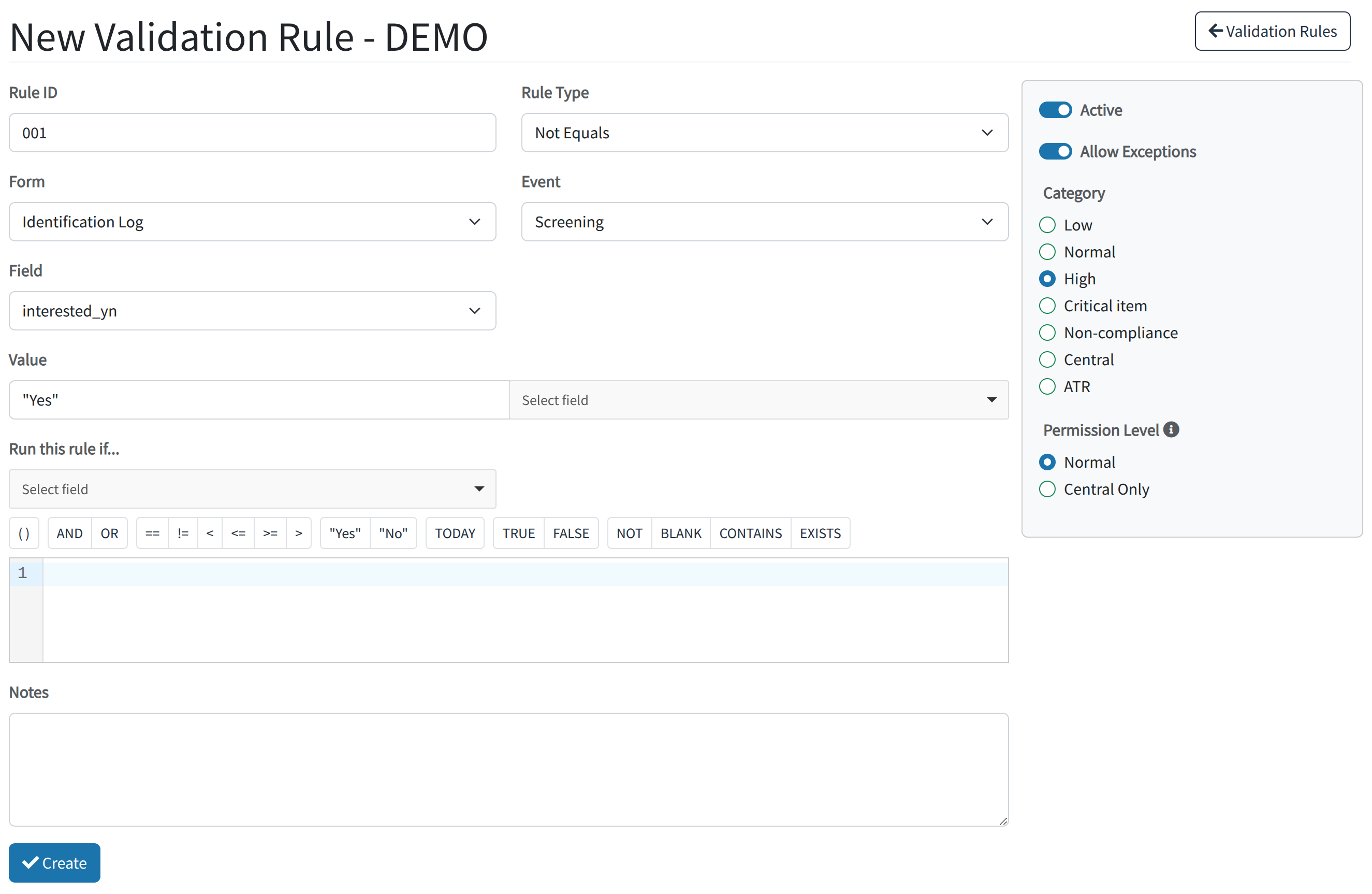
  • eCRFs can also be given custom validations to encode complex data restrictions, including inspecting data across multiple eCRFs to ensure consistency in data
  • Changes to existing eCRF data require an accompanying reason for change, ensuring that changes are not made by mistake
  • Fields on an eCRF can be annotated with notes by the entry staff to capture information not allowed by strict validation (e.g. two options ticked on a paper CRF for a single-select type question)
  • Post-entry validation rules can be defined to ensure the integrity of existing data and to reflect changes in validation criteria, and allowing for data cleaning later in the study timeline
  • eCRFs can be verified by users against source data using a double-entry technique, allowing for confidence in the quality of data transcription

Dataset Reporting

  • Built-in reports to highlight missing data, incongruent data and invalid data, allowing for inspection and cleaning
  • Built-in utility reports for monitoring usage statistics and completion levels of eCRFs, either singularly or at specific timepoints / in study arms
  • A UKCRN accrual data file can be generated for upload, ensuring accurate representation of the data for the study
  • Custom-built study-specific reports, either for reporting of study outcomes or for management of data quality/completion as needed

Auditing and Versioning

  • Every change made to an eCRF is recorded internally with full audit data recorded (who, why, when) for complete accountability of changes
  • Versions of eCRFs are automatically kept with each change, allowing for inspection of changes and rollback to previous versions of the data if errors are found

Access and Security

  • Access to the system is restricted by username and password, with each study team member and member of site staff having their own account
  • Actions within the system are restricted by duty-based permissions that are granted to the user by the study manager
  • Permissions that are granted to a user can either be restricted to individual sites within a study or given for multiple sites, allowing flexible assigning of staff duties
  • Users can be grouped, and permissions and access given to the group as a whole to allow for role-based permissions
  • Sensitive, personal, central and standard clinical data each have their own set of permissions, allowing fine-grained control of access for a user to each of these types of data
  • All study activity (including previous logins) is recorded automatically by the system and is available for review if needed

User Management

  • Global user accounts permit a single user to work on multiple studies if needed, with independent permissions granted for each study
  • An account summary enables users to review their assigned privileges and change their password and update their other details
  • Password distribution and reset by email for users reduces the overhead of user management for the study team
  • User accounts can be temporarily disabled or removed from the study at the end of the data collection period, ensuring that no data entry or changes occur after a freeze/lock deadline

If you would like to ask a question about our or request a demo, please contact us and a member of our team will be happy to help.